
Getting You Prepared for Your Speaking Session
Watch our short video to help you prepare for your speaking slot. We have included top tips for slide formatting, preparing for Q&As, and, getting mic’d up.
Design by Hanson Wade
In Person Presentation Guidelines
Presentation Formatting
We recommend all presentation slides follow the below formatting guidelines
- 16:9 Ratio (widescreen)
- Font size 20+ (Font smaller than this may be too small for the audience to view)
- 1 graph/table per slide
Clear and concise background - Visual aids to capture the attention of the audience
- If including videos in your presentation, please also bring the video file as a back up for our AV Team
Presentation Types
There are various ways you may be participating as an in person speaker:
- Presentation followed by Q&A
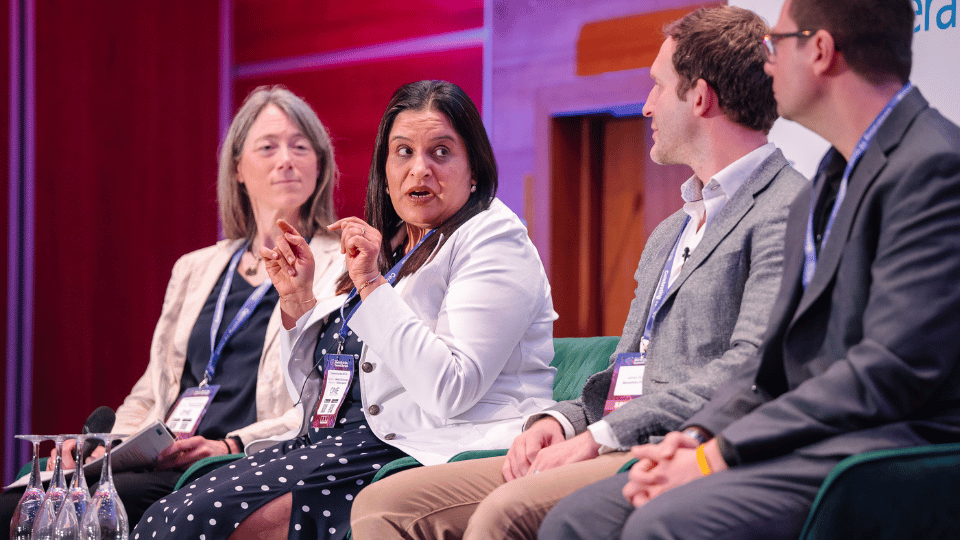
- Panelist
- Roundtable Moderator
- Workshop Leader
- Chair person
Polling
- Check with your Event Manager if Live Polling is available at your Event
- If so, it is possible to include multiple choice, word cloud, or open text polls which the audience use their smartphones to vote on.
- Real time results can be shown on screen or within your slide show
- Results can also be collected and distributed to all participants post-conference should you wish
Live Q&A
- Typically, there will be time allocated for Q&A either directly after your session or in the form of a group panel (please check the agenda or enquire with your Event Manager for further details)
- Questions will be submitted by the audience either by their smartphone or live in the room
- A moderator or chairperson will be available to coordinate the Q&A session
Set-Up
- Presentations will be pre-loaded to our AV desk at the back of the room and will be projected from there
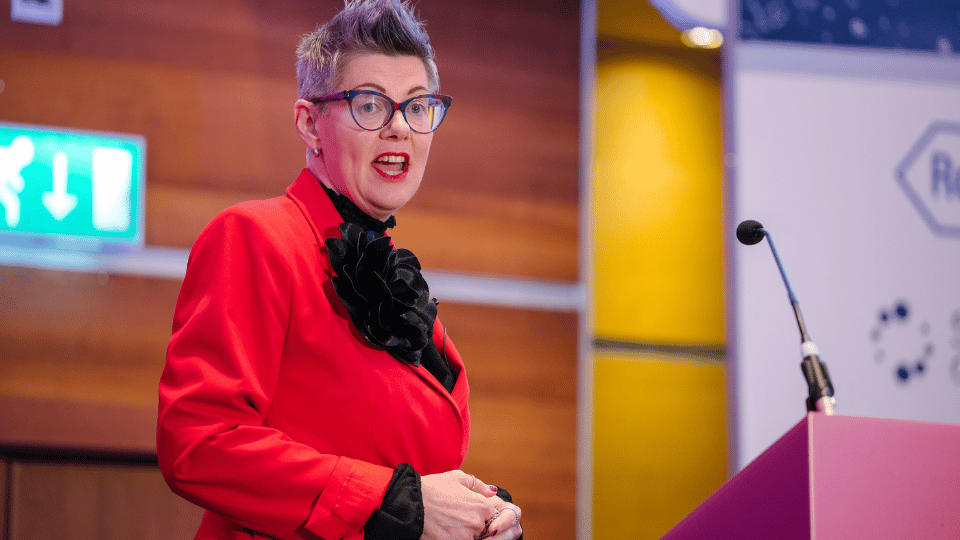
- At the podium, you will have access to a wireless clicker, with a laser, to control and advance your slides
- There will be a comfort monitor displaying your slides, in front of you. Please note, this will NOT show notes
- A static microphone on the podium is provided for your session. Clip on microphones are also available and can be arranged at the audio visual desk
- There may also be a camera at the back of the room live-streaming the event if we also have attendees joining virtually

Get in Touch
Have a question or can't find what you're looking for? Reach out today and one of the team will get back to you.
About Hanson Wade Group
Enabling growth is at the heart of what we do. We specialize in identifying the niche information needs for rapidly innovating fields.
Your Voice Heard
Your perspective matters. Share your thoughts, feedback, or ideas to help improve our products and services.